

handleDeeplink function.
How it works
- You create a campaign in Linkrunner and copy its link
- You send a push notification that carries the link
- The user taps the notification and your app opens
- Your app passes the link to
handleDeeplink - Linkrunner attributes the app open to the campaign, and it shows up in your campaign analytics
Prerequisites
- Linkrunner SDK installed and initialized in your app. See your platform’s guide: Android, iOS, React Native, Flutter, Expo.
handleDeeplinkimplemented in your app. Refer to your SDK guide (Android, iOS, React Native, Flutter) for the base setup.- A push notification provider (Firebase Cloud Messaging, OneSignal, Braze, CleverTap, etc.) already sending notifications to your app.
Setup
1
Create a campaign
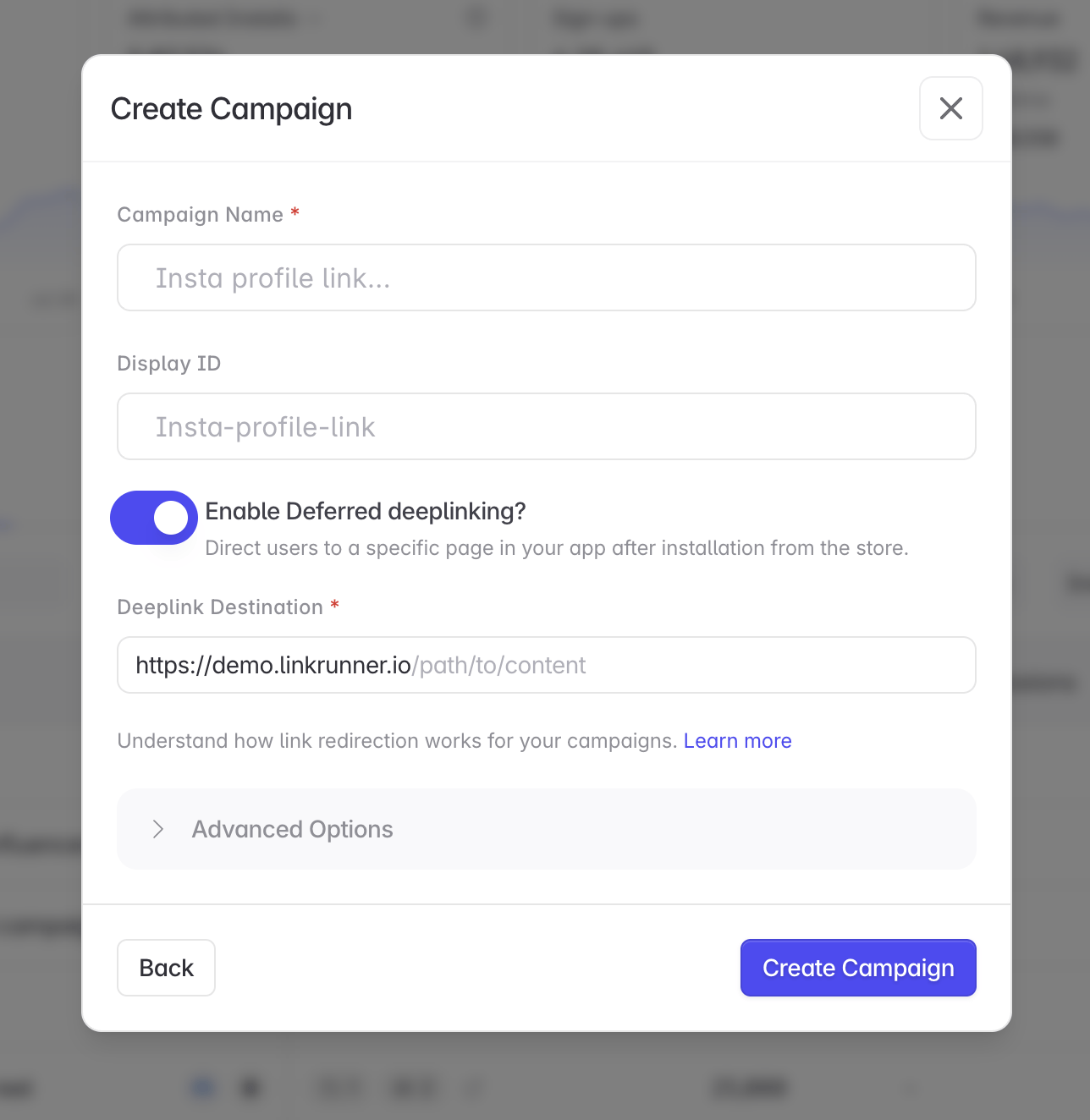
In the Linkrunner Dashboard:
- Click “Create Campaign”
-
Name it after the notification or push campaign (for example,
Diwali Sale Push) -
Copy the campaign link
2
Add the link to your push notification
Include the campaign link in the notification’s data payload under a key your app reads on tap (for example,
link).If your provider supports a “launch URL” or “deep link” field (OneSignal, Braze, CleverTap all do), you can put the campaign link there instead. The OS then opens your app with the link, and your existing deep link listeners receive it. Using CleverTap, WebEngage, or MoEngage? See Push Notification Providers for exact steps.
3
Pass the link to handleDeeplink
When the user taps the notification, read the link from the payload and pass it to
handleDeeplink.- Android
- iOS
- React Native
- Flutter
With Firebase Cloud Messaging, data payload keys arrive as intent extras in your launcher activity:
If your provider opens the campaign link as a launch URL instead, you don’t need the code above. Your existing
handleDeeplink deep link listeners already receive the link.4
Test it
- Send a test notification with the campaign link in the payload to your own device
- Tap the notification
- Open the campaign in the dashboard and verify the app open appears in its analytics
Troubleshooting
Opens are not showing up in the campaign? Log the value you pass tohandleDeeplink and confirm it is the exact campaign link. A missing or misspelled payload key (link) is the most common cause.
Works when the app is in the background but not from a killed state? Cold starts need their own handling (getInitialNotification on React Native, getInitialMessage on Flutter, onCreate extras on Android). Make sure handleDeeplink is called after the SDK is initialized.
The notification opens the browser instead of the app? Your provider is treating the link as a web URL. Use the data payload approach, or set up deep linking so the campaign link domain opens your app directly.
Need help? Contact support@linkrunner.io