

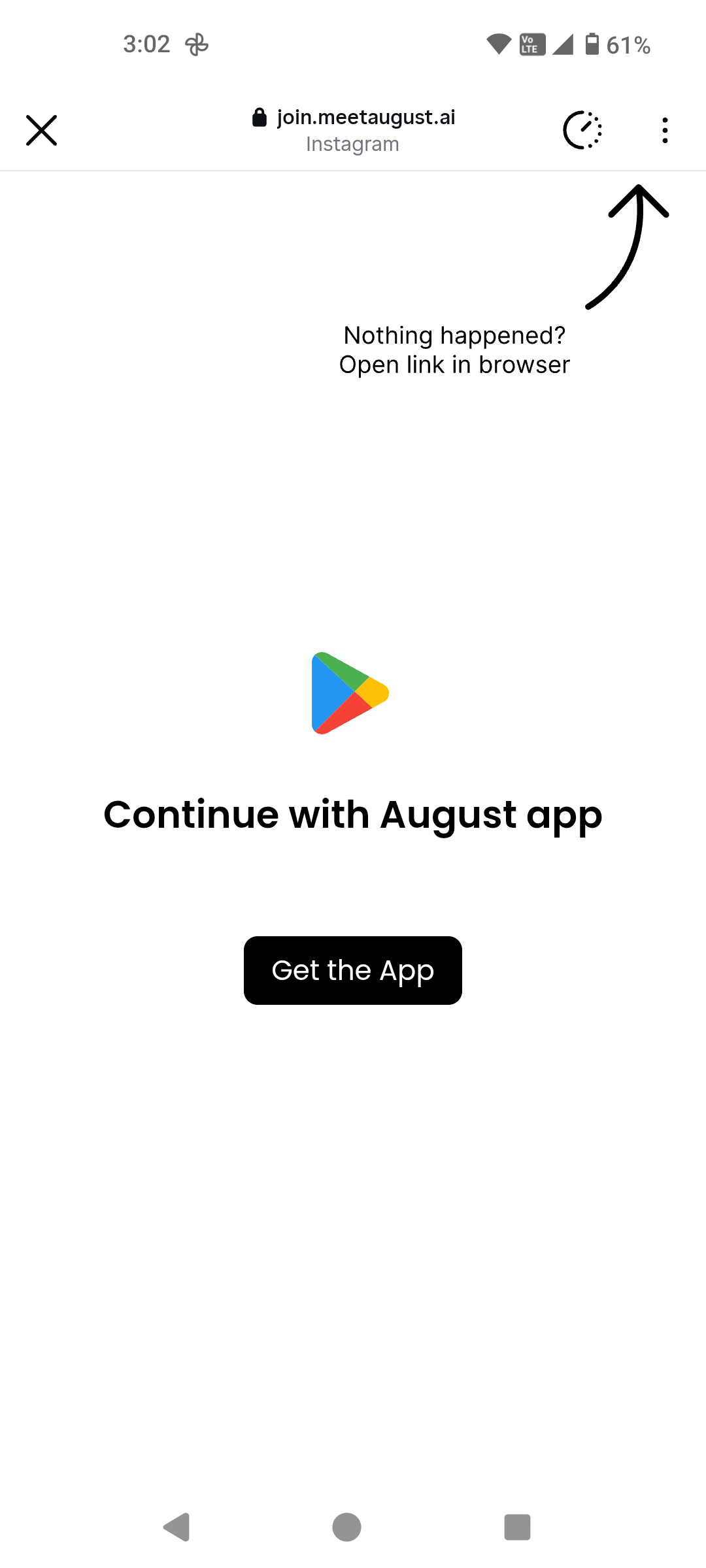
The Problem
Social media platforms like Instagram block redirecting users outside of their app. If we were to remove this intermediary page, here’s what would happen:- Instagram opens its own in-app browser — Instead of opening the Play Store or App Store app, Instagram opens the store’s website inside its built-in browser. This prevents users from actually downloading the app through the native store experience.
- No redirect to an already installed app — If a user already has the app installed, they won’t be redirected into it. The in-app browser has no way to trigger the app to open.
- Additional friction — Users are stuck in a web view with no clear path to the store app or the installed app, leading to drop-offs.
How Linkrunner Solves This
This intermediary page acts as a bypass mechanism. When a user taps a Linkrunner link on Instagram (or similar platforms), the intermediary page:- Detects the environment — It identifies that the user is coming from a social media in-app browser.
- Redirects to the native store app — Instead of loading the store website, it triggers the actual Play Store or App Store app to open.
- Handles already-installed apps — If the user already has the app installed, Linkrunner redirects them directly into the app via deep linking.
Customising the Page
We are happy to customise this intermediary page to match your brand. If you’d like a custom design, here’s what we need:- A design reference — Ideally a Figma link so we can match it precisely.
- SVGs only — Please ensure that no raster images (PNG, JPG, etc.) are used in the design. SVGs keep the page lightweight and fast-loading, which is critical since this page needs to load quickly before redirecting the user.
Page load speed is critical here — the intermediary page needs to load as fast as possible so users experience
minimal delay before being redirected. This is why we require SVGs instead of images.
To request a custom design for your intermediary page, reach out to us at support@linkrunner.io.