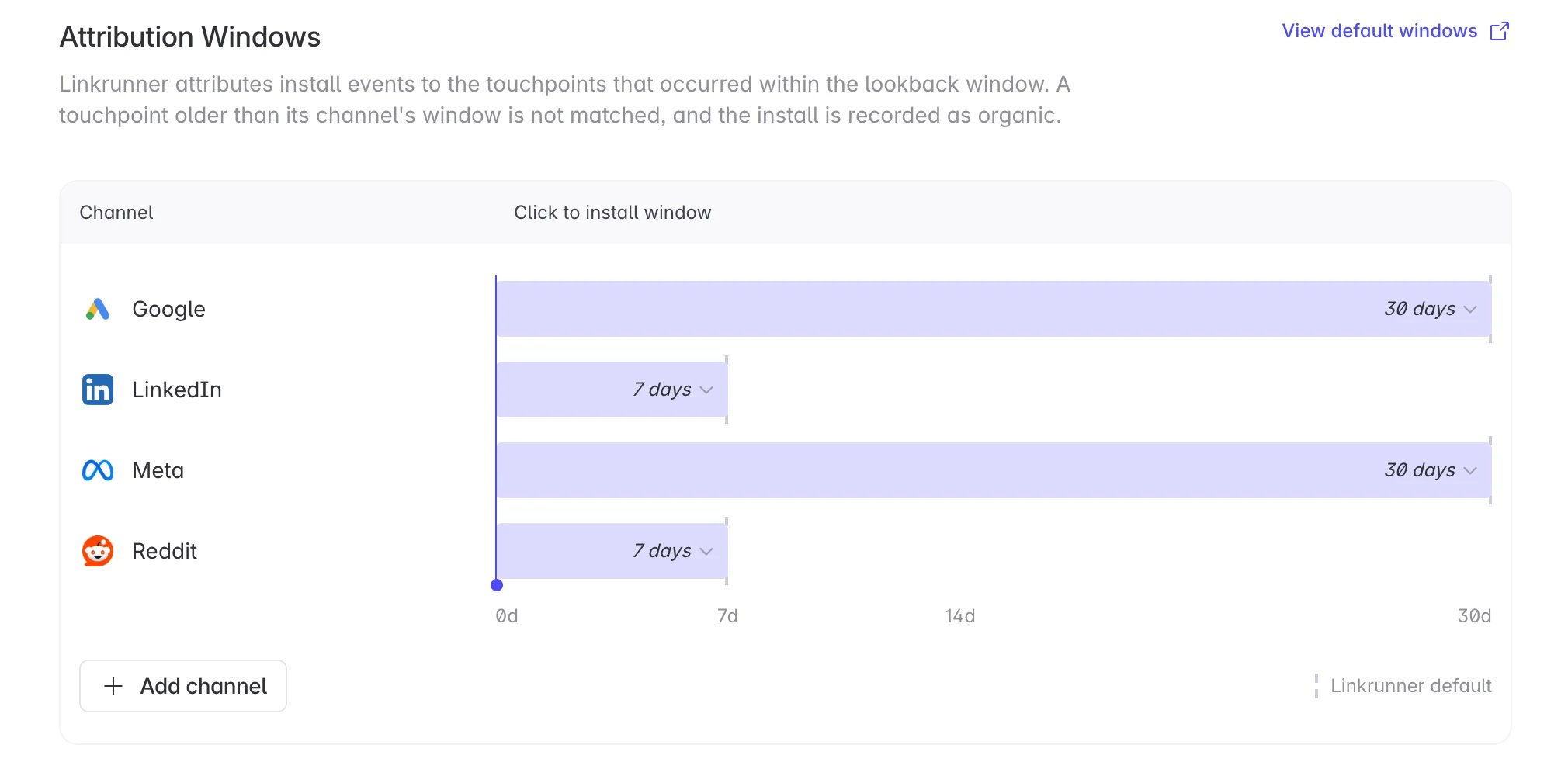
A click window is how far back Linkrunner looks for a click when crediting a new install. If the matching click is older than the window, it is not used, and the install is recorded as organic instead. This is applied per ad network, so a click from Google Ads and a click from an affiliate can be judged against different windows.

Default windows

Google and Meta default to 30 days because installs on those networks often report well after the click. Everything else defaults to 7 days. These defaults apply automatically. You do not need to set anything to get them.

Change a window

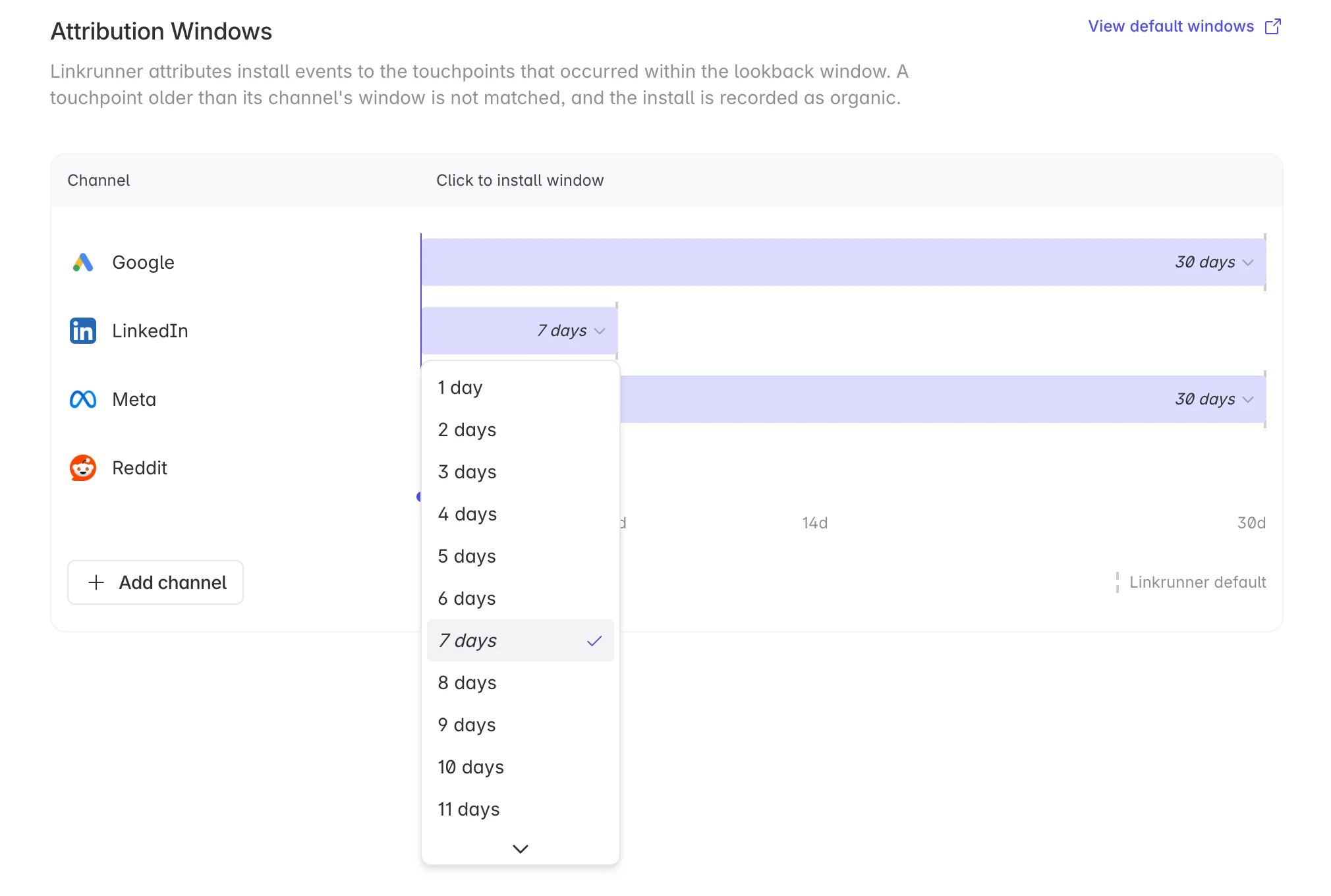
Go to Settings → Attribution Windows in the dashboard. The table starts empty and lists only the ad networks you have overridden. Everything not listed is running on the default from the table above. Click Add, pick an ad network, enter a number of days, and save. The change applies to that ad network on this project only. Use the edit icon on a row to change its number, and the delete icon to remove the override — that network goes back to its default. Changes take effect within about five minutes.

Limits

Windows can be set from 1 to 30 days. The 30 day ceiling is not arbitrary. Linkrunner retains clicks for 30 days, so a click older than that cannot be matched to an install at all, and a longer window would have no effect.

What this does not cover

This setting governs click matching only. View-through and probabilistic attribution are not affected. It is also separate from the Lookback Window on the Remarketing page. That one controls the reattribution window for users who already have your app. This one controls how a brand new install gets credited.