You need a work email, a network logo, a short description, and a valid post-install event URL. The install postback URL and website are optional.
1. Start your registration
Open Affiliate Partner Sign Up. Choose Continue with Google or enter your Work Email, accept the terms, then click Continue.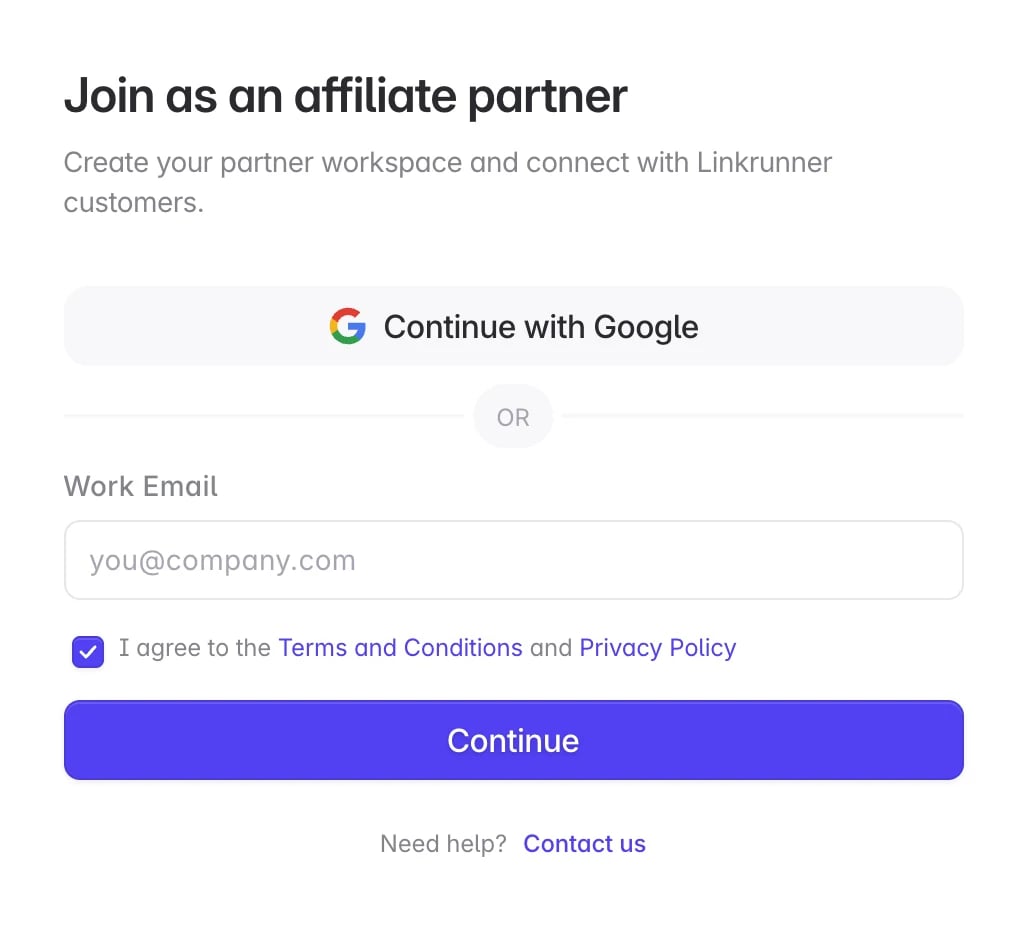
2. Add your network details
1
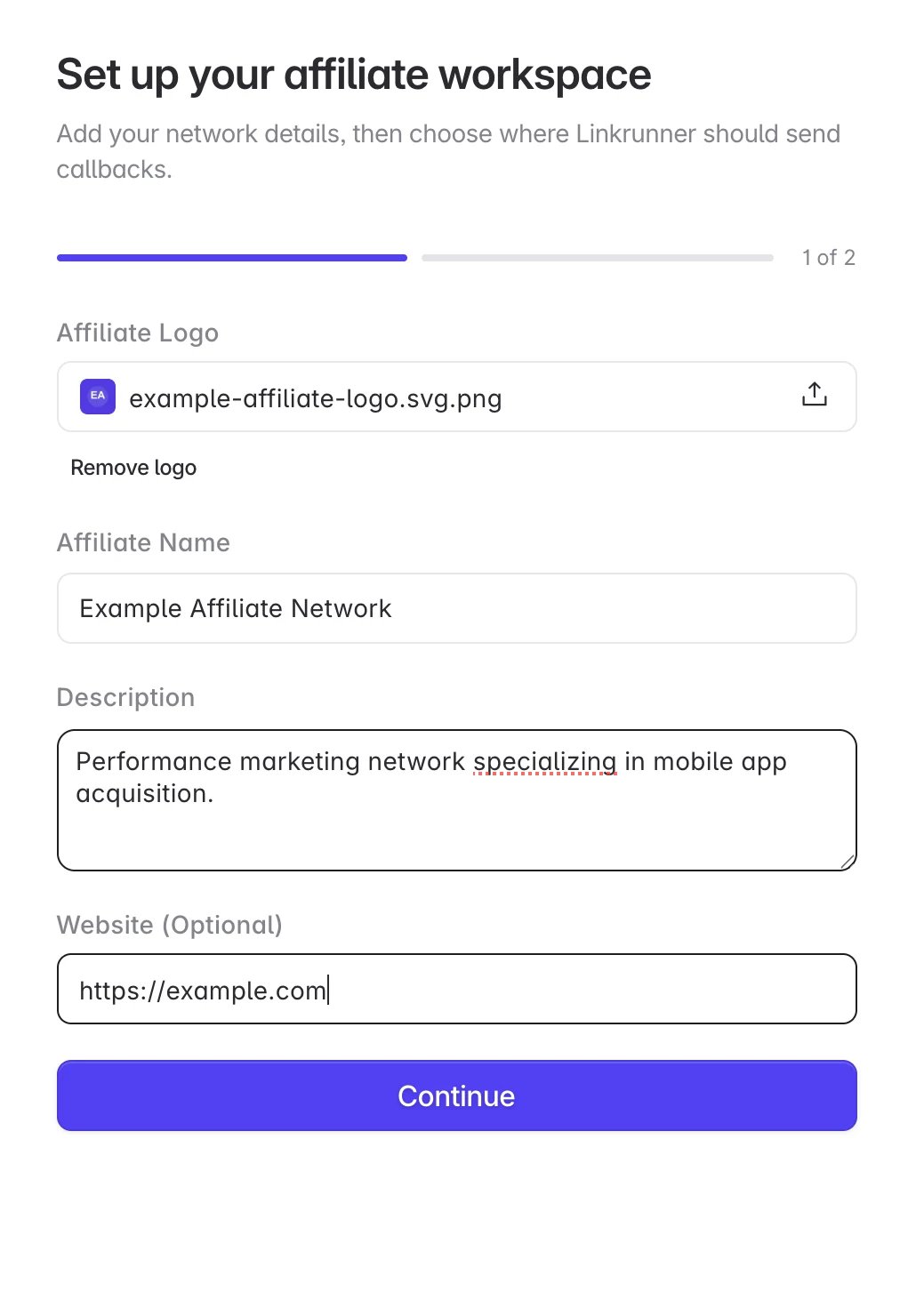
Upload your logo
Upload a PNG, JPG, or WebP file up to 5 MB.
2
Describe your network
Enter your affiliate network name and a short description of the traffic or services you provide.
3
Add your website
Enter your website URL if you have one. This field is optional.
4
Continue
Click Continue to add your callback URLs.
3. Add your postback URLs
Enter the endpoints where Linkrunner should send attributed conversions:- Install Postback URL: Optional. Add it if you want a separate callback for installs.
- Post-Install Event URL: Required. Add the endpoint that receives signup, purchase, and other in-app event postbacks.
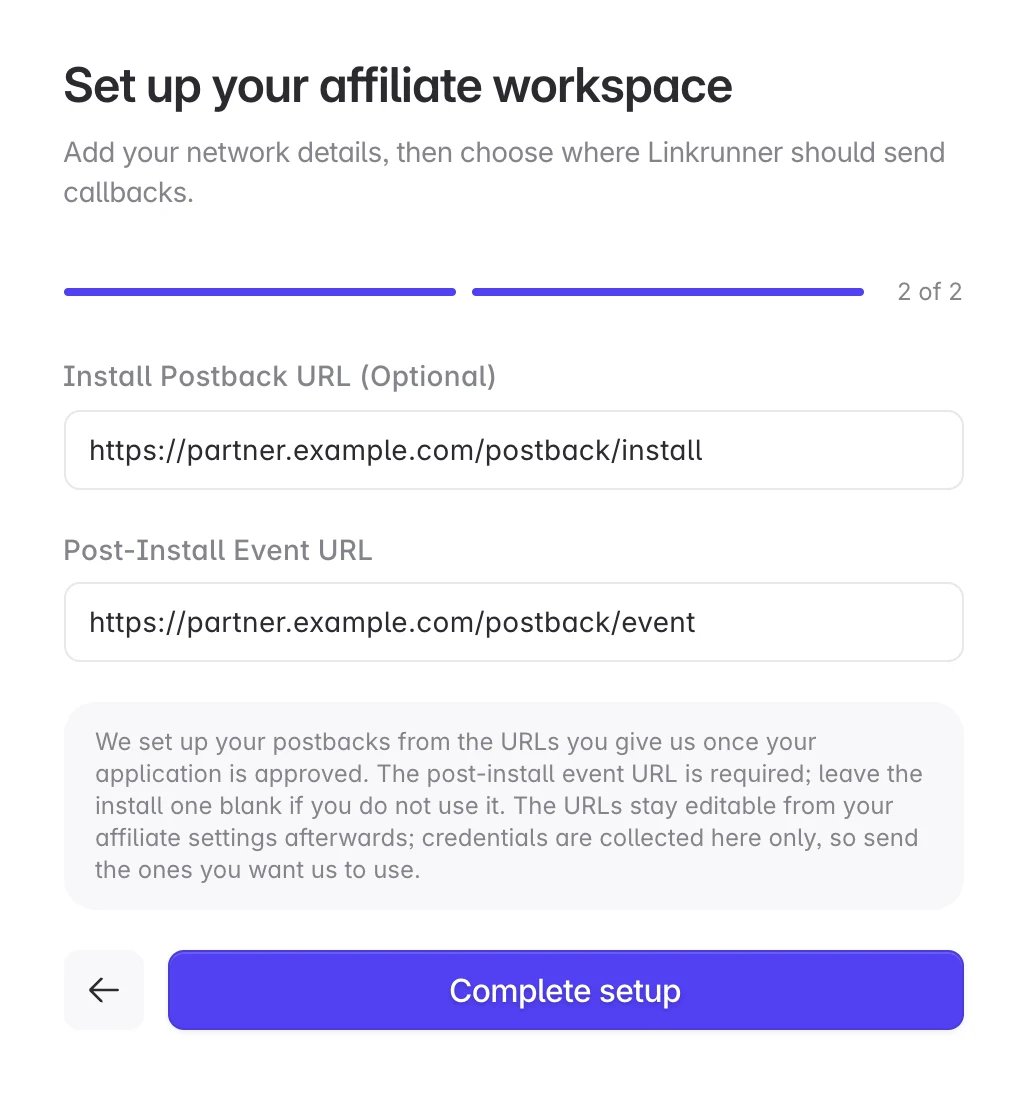
Linkrunner configures your postbacks after your application is approved. Installs, and signups once set up, are sent automatically. In-app events are sent only after they are mapped. See Postbacks and Macros for event mapping, supported macros, and IP allowlisting.
4. Wait for approval
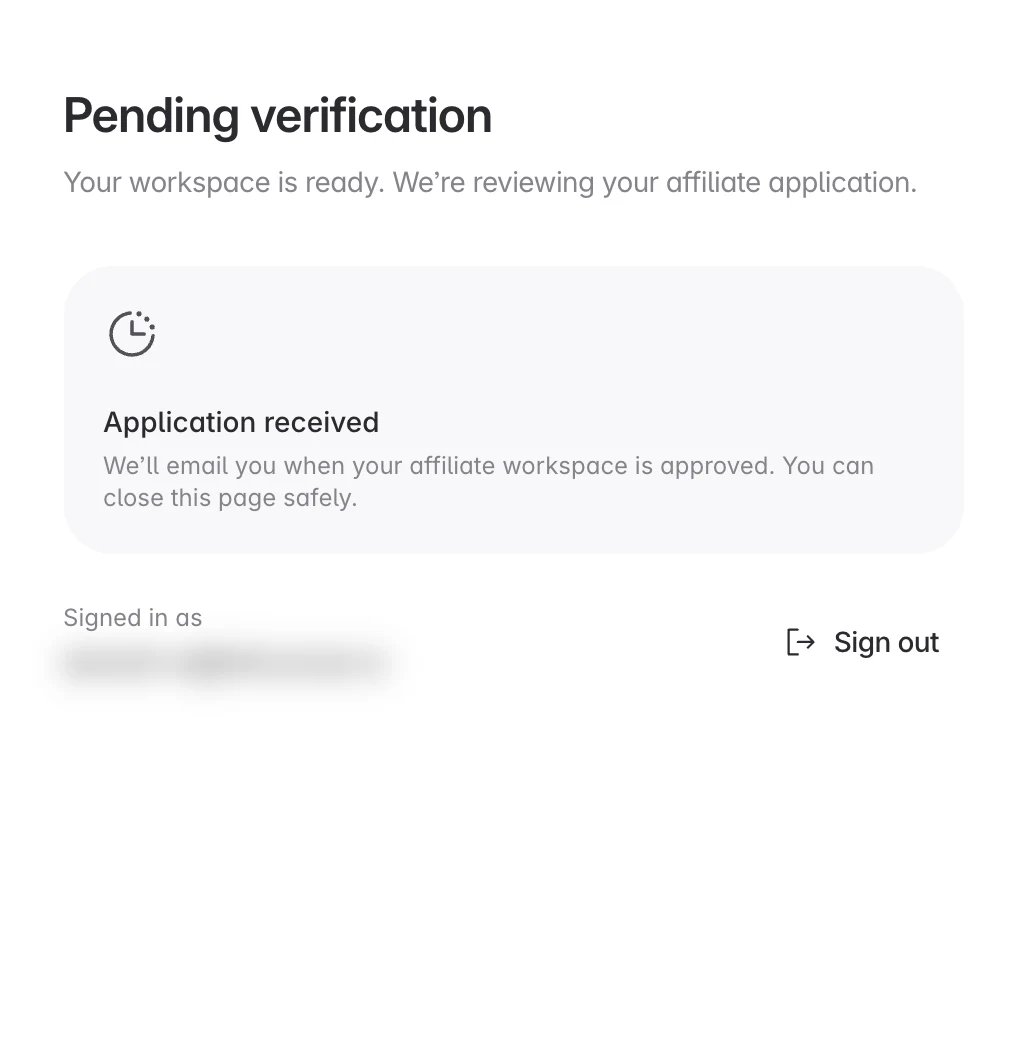
The Pending verification page confirms that Linkrunner received your application. You can close the page safely.