You need an approved affiliate account and a customer who wants you to run their campaigns. Agency accounts start with a customer invitation, so there is no sign up form.
Affiliate and agency accounts stay separate
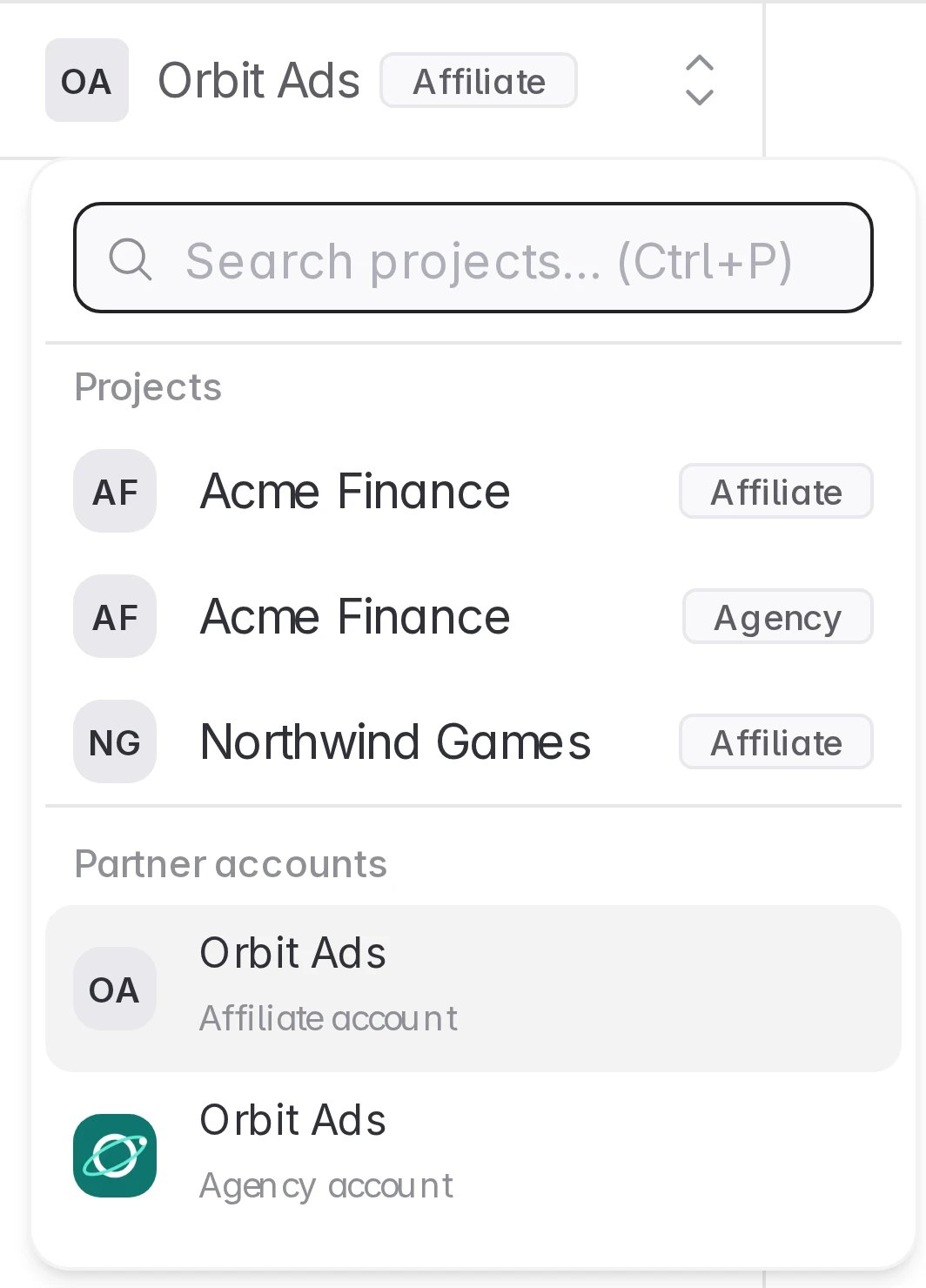
A customer who works with you both ways sees two connections and gives each its own access. Your affiliate and agency data are never merged.
1. Ask a customer to invite you as an agency
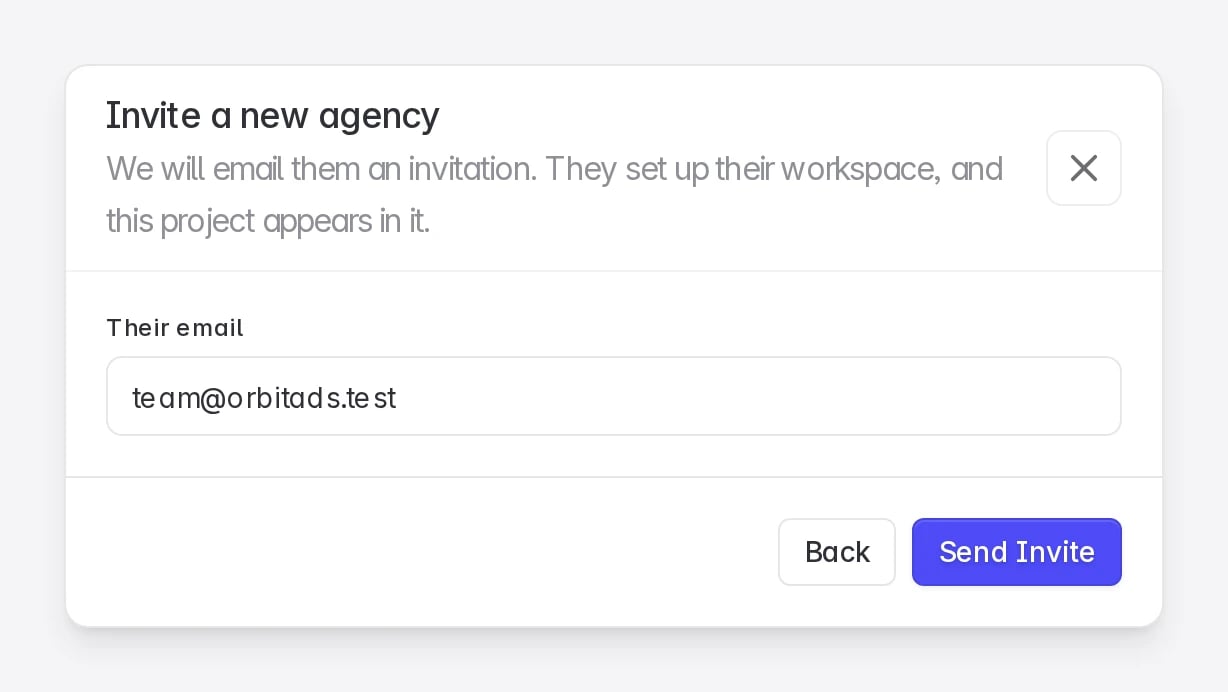
Ask the customer to invite you from Settings → Members → Invite Agency → Invite them by email. They should use the same email address you sign in with as an affiliate. See Invite an agency for their steps.
If you are not working with a customer as an agency yet, contact support@linkrunner.io and we can set up your agency account.
2. Open the invitation
Open the link in the invitation email. If you are already signed in to Linkrunner, you go straight to the agency setup. Otherwise sign in with the invited address first.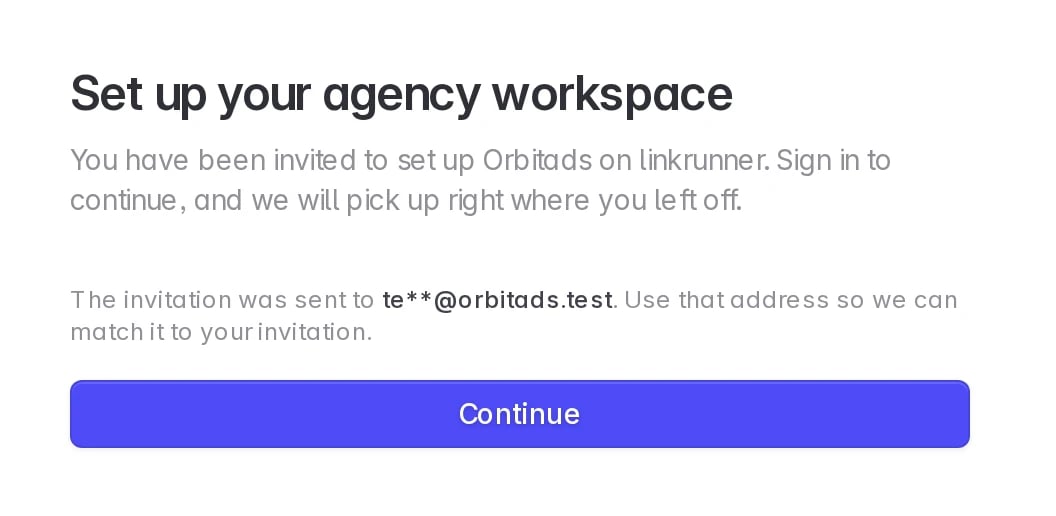
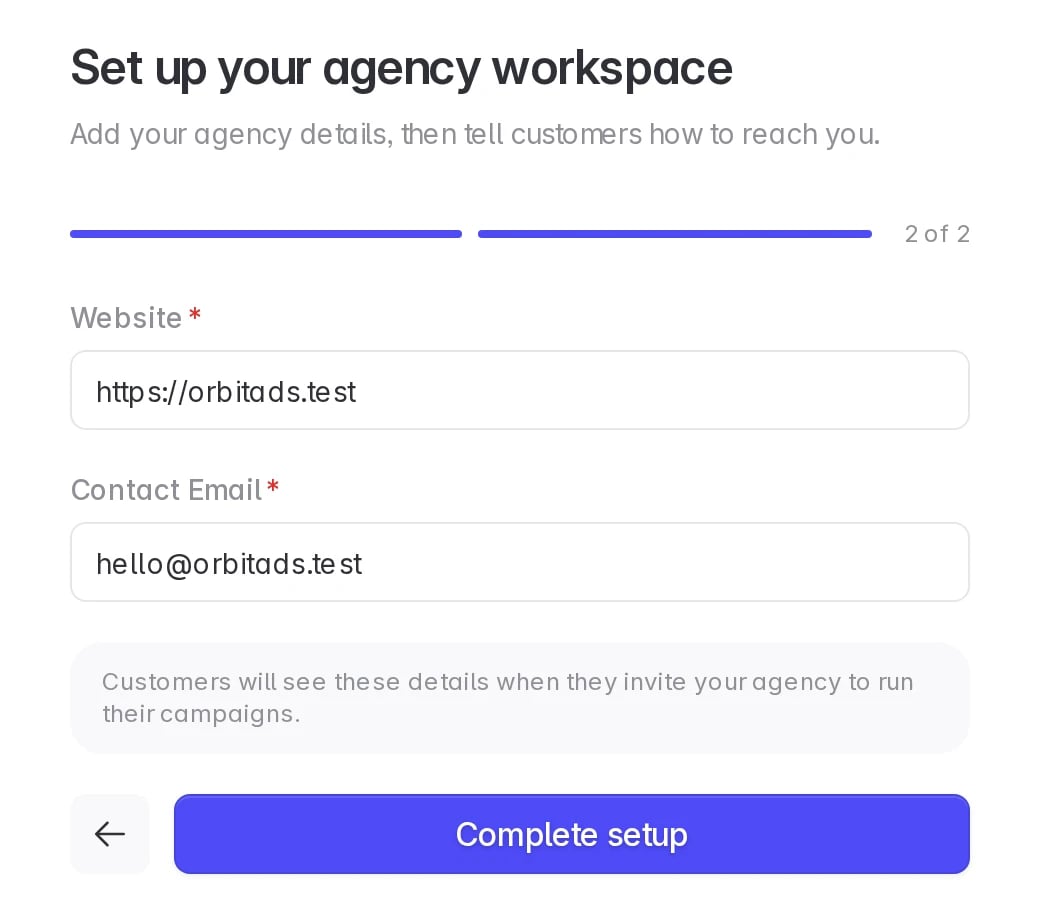
3. Add your agency details
Upload a logo, enter your agency name and a description, then add your website and contact email. Click Complete setup. The fields are the same as for a new agency, see Set up your agency workspace.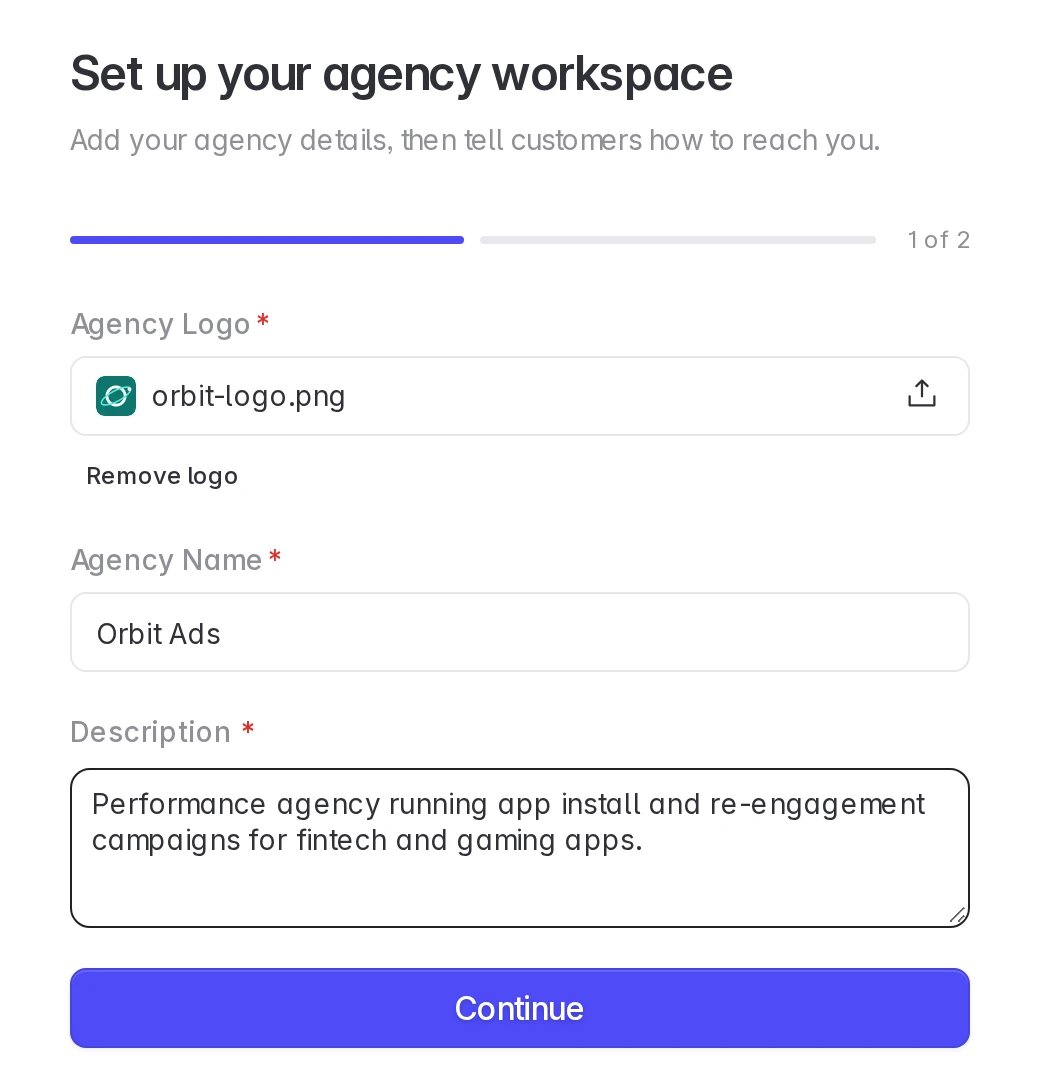
4. Wait for review
Linkrunner reviews the new agency workspace. Your affiliate account keeps working in the meantime. Click Back to your affiliate account to return to it.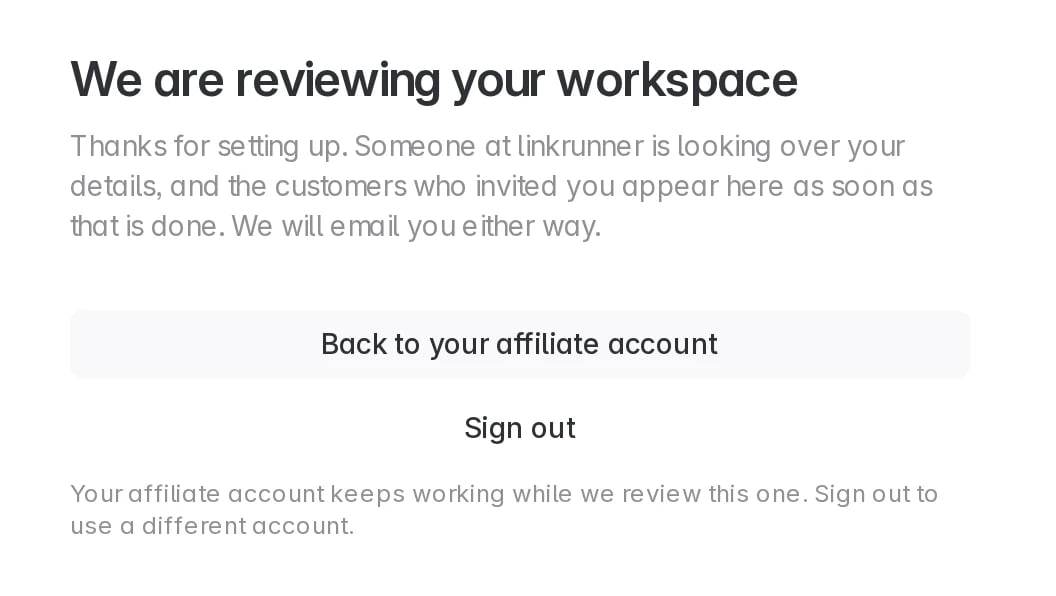
5. Switch between your accounts
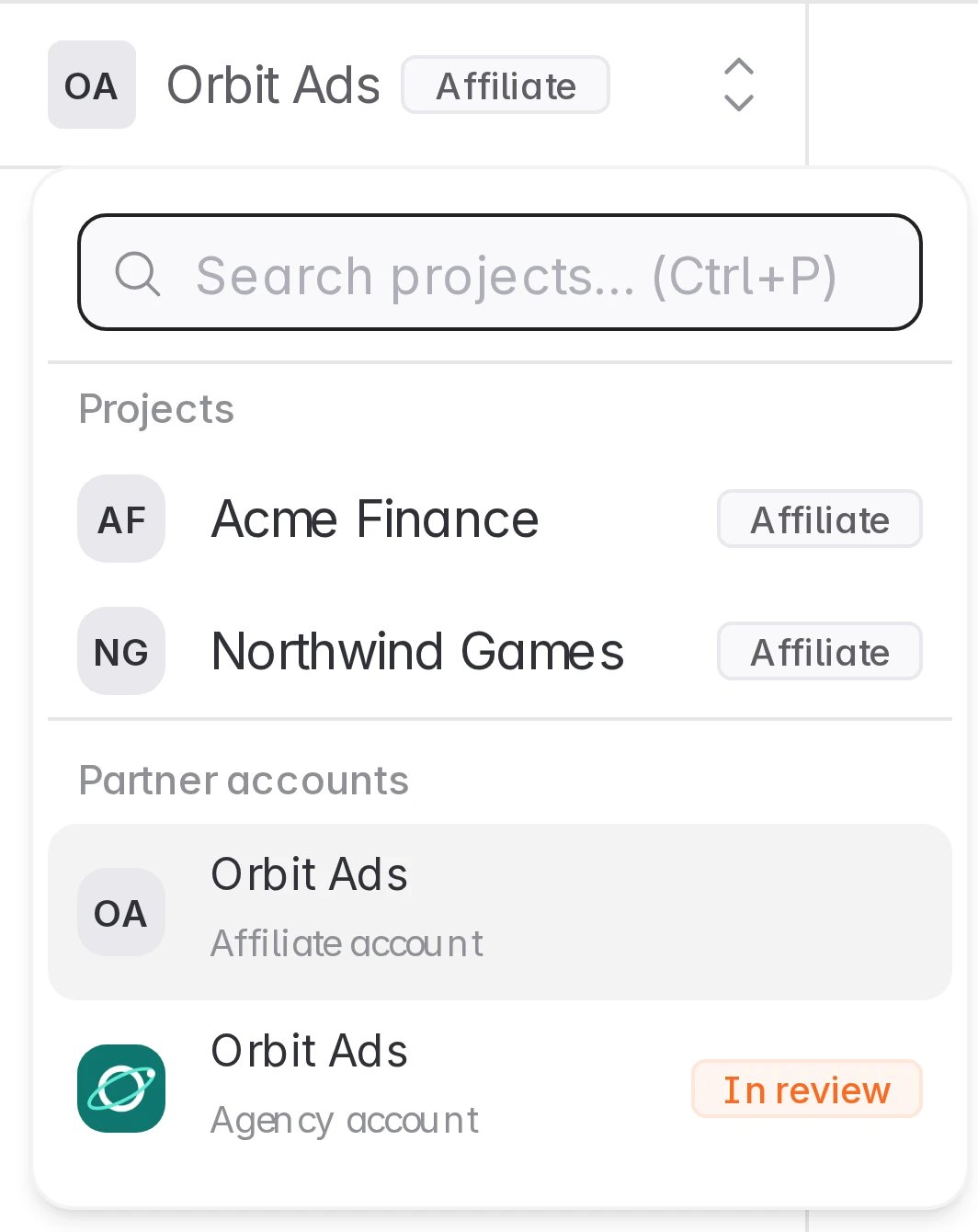
Open the project picker at the top of the sidebar. Partner accounts lists both workspaces. Click one to open it. While the agency workspace is under review, it shows In review.