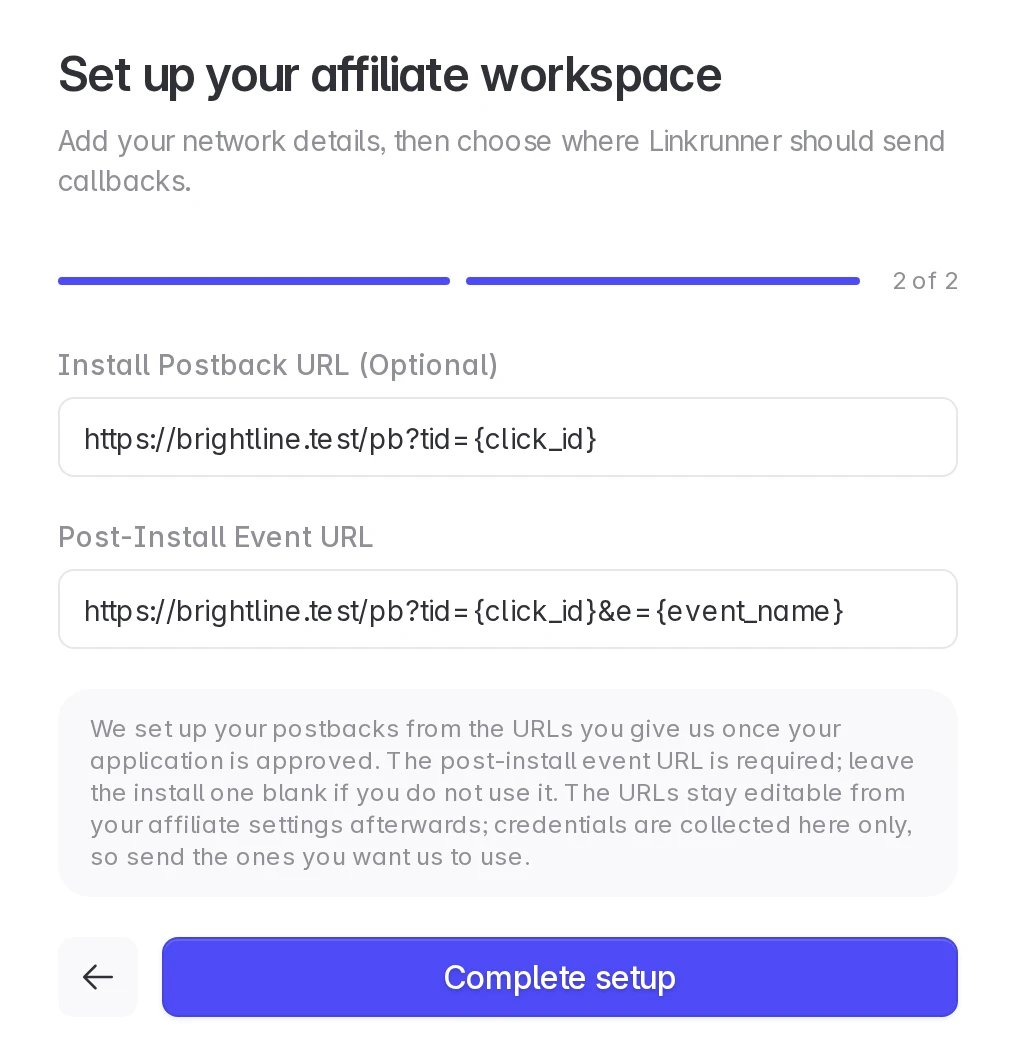
You need your network logo, a short description, and a post-install event URL where Linkrunner sends conversions. The install postback URL and website are optional.
Agency and affiliate accounts stay separate
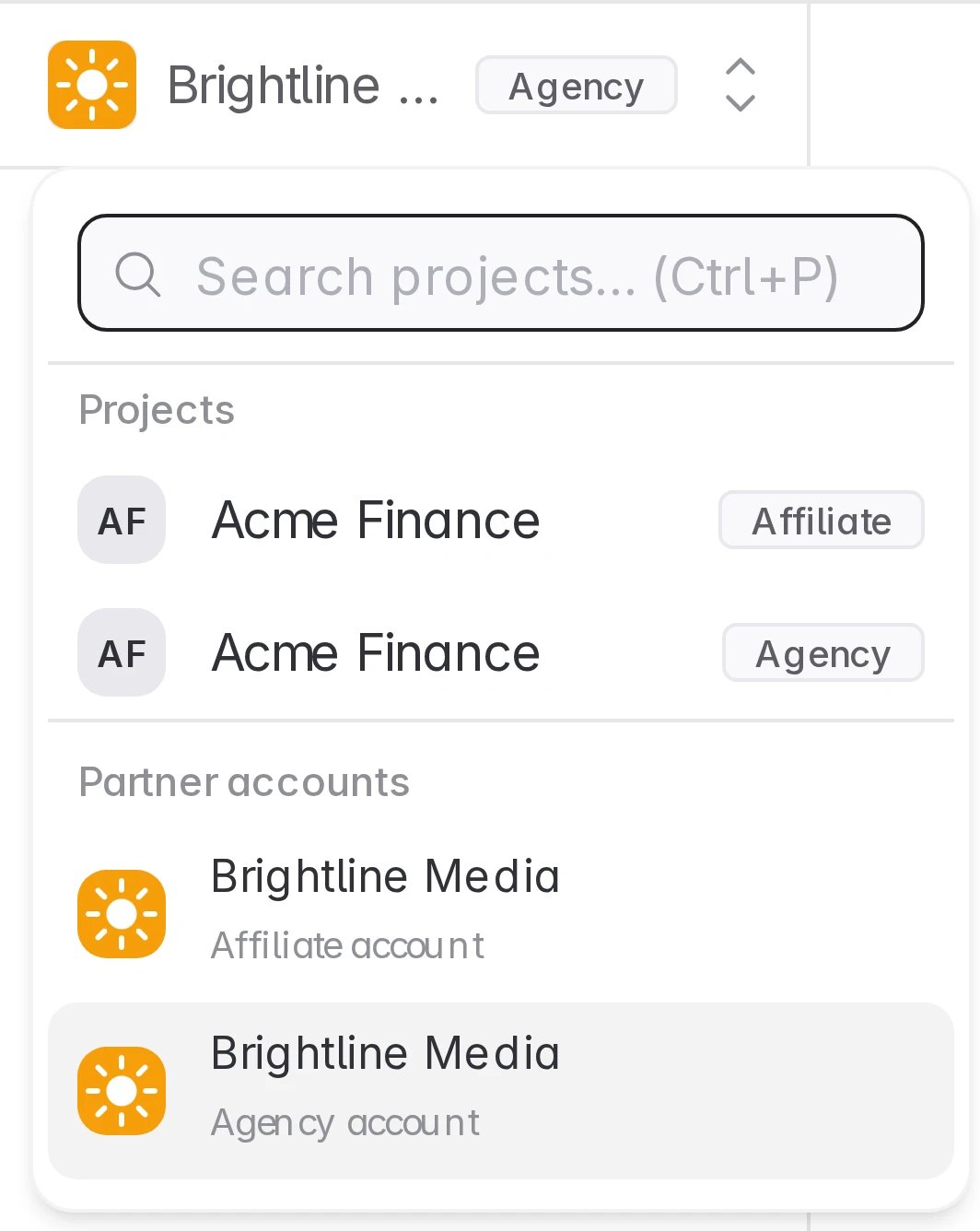
A customer who works with you both ways sees two connections and gives each its own access. Your agency and affiliate data are never merged.
1. Open the affiliate sign up page
Open Affiliate Partner Sign Up and click Continue to sign in. Sign in with the same email you use for your agency account. If you are already signed in, you go straight to the next step.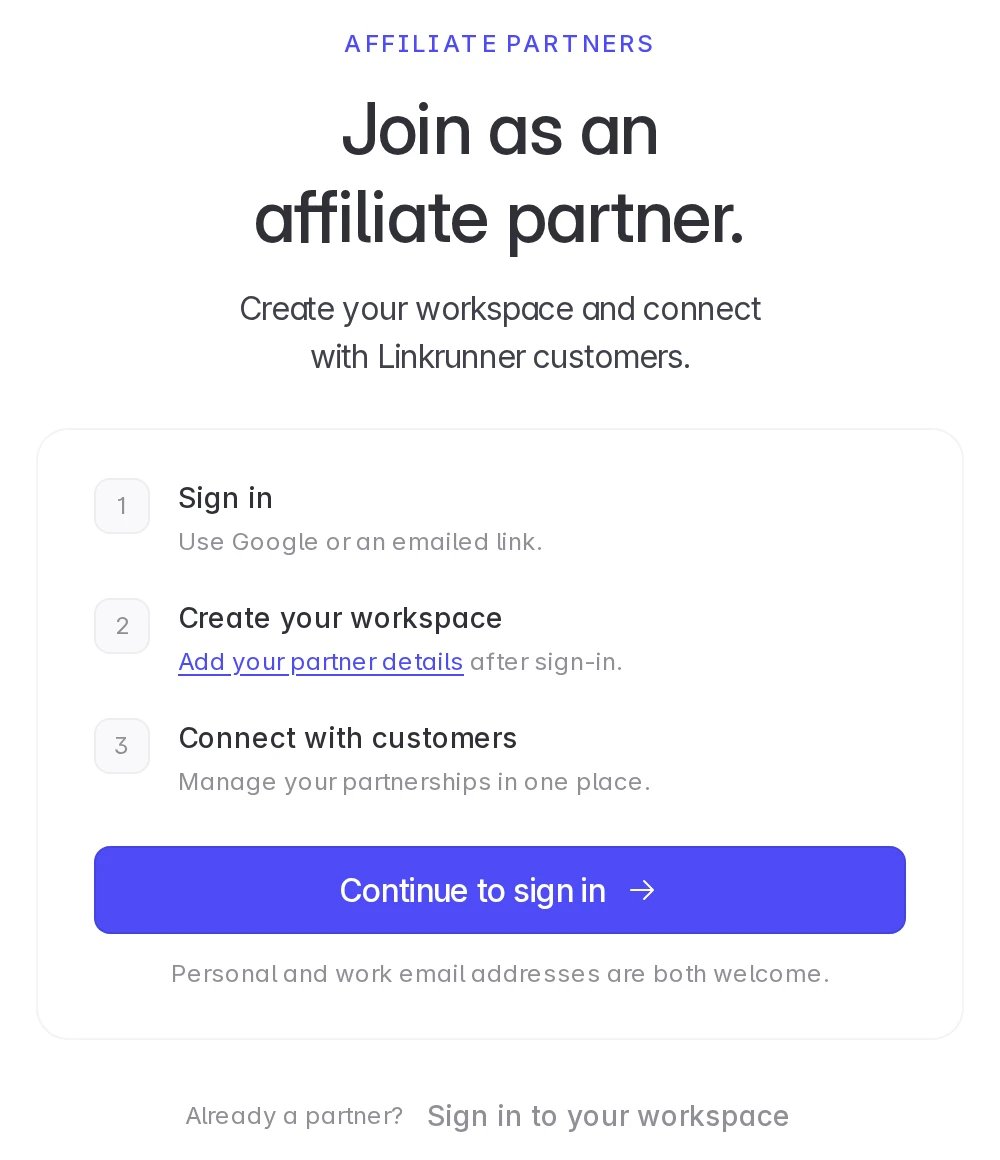
2. Add your network details and postback URLs
Upload your logo, enter your affiliate network name and description, then add the URLs where Linkrunner should send conversions. Click Complete setup. The fields are the same as for a new affiliate, see Create an affiliate account.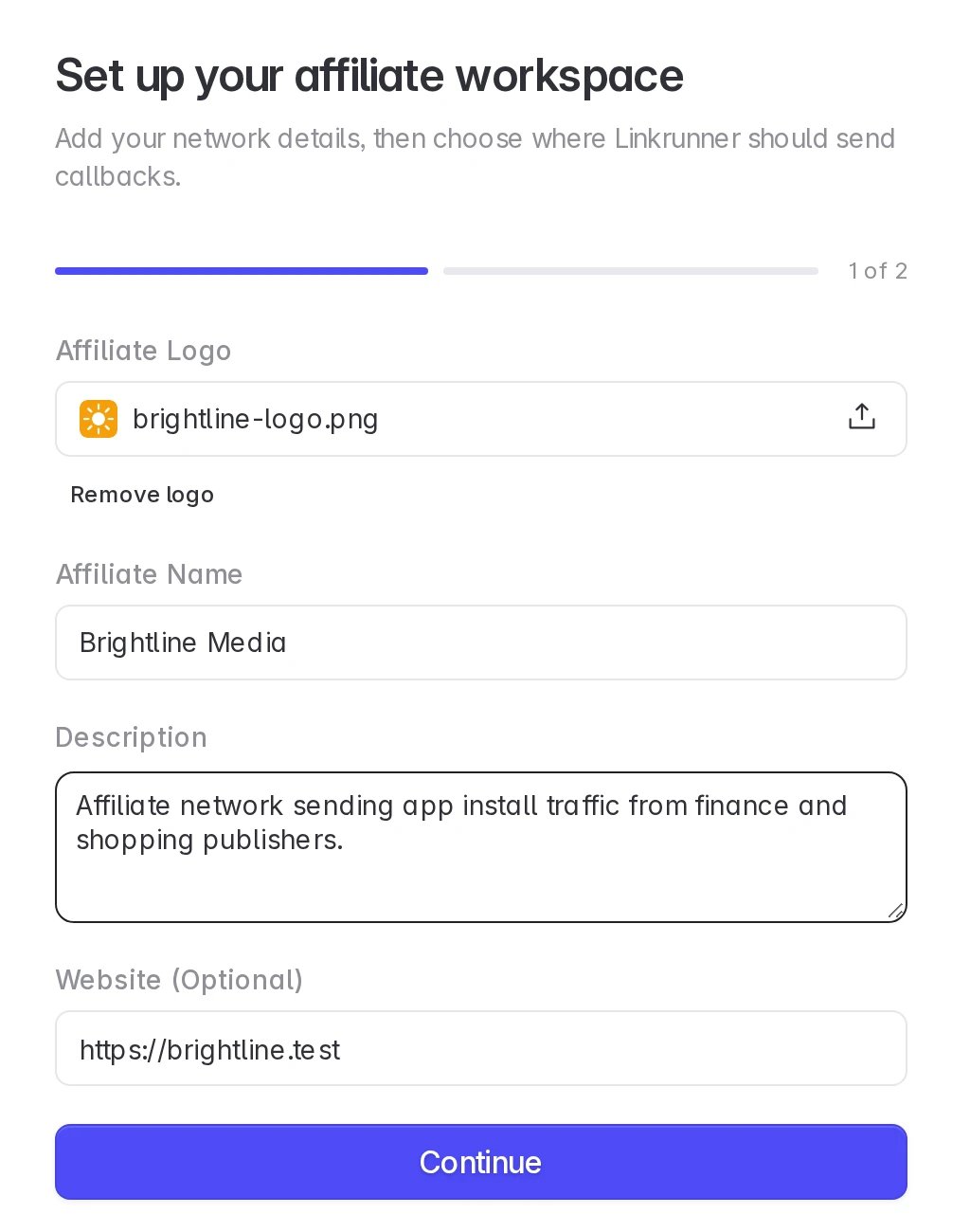
3. Wait for approval
Linkrunner reviews the affiliate application. Your agency account keeps working in the meantime. Click Back to your agency account to return to it.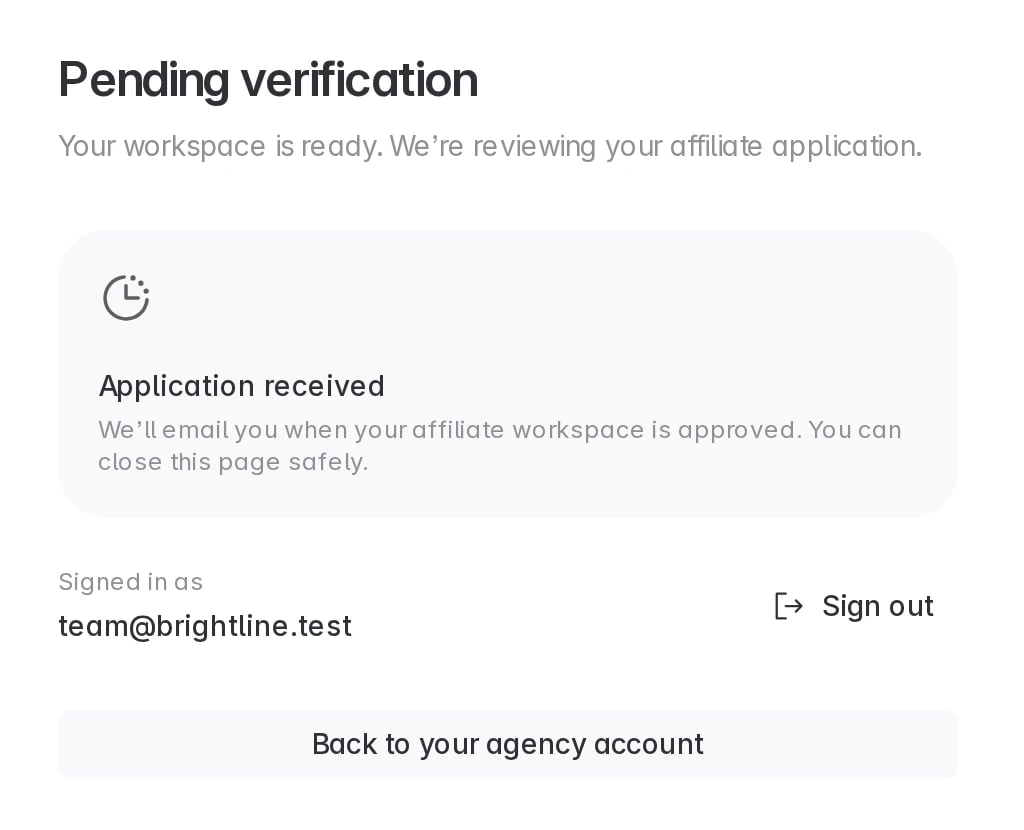
4. Switch between your accounts
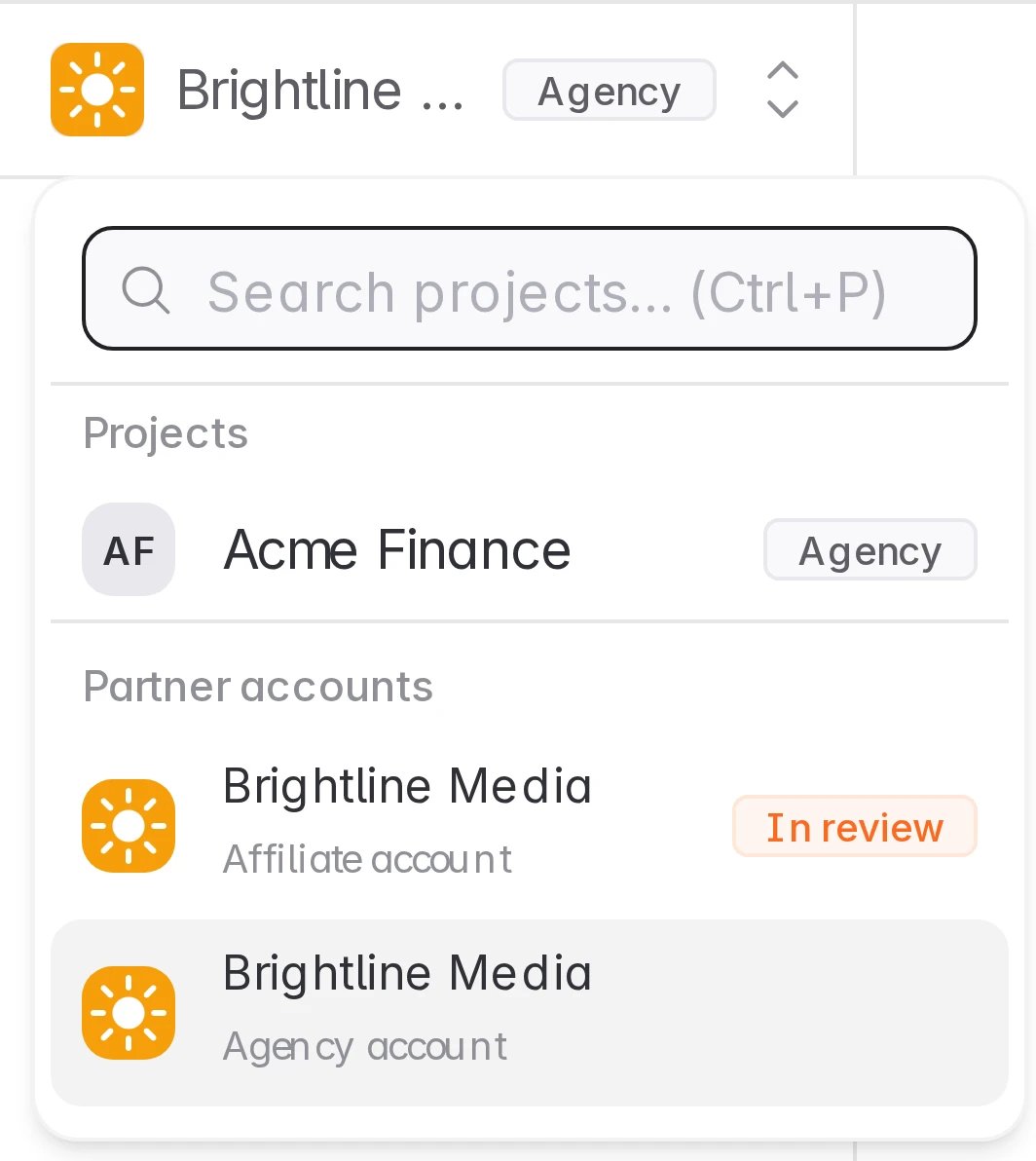
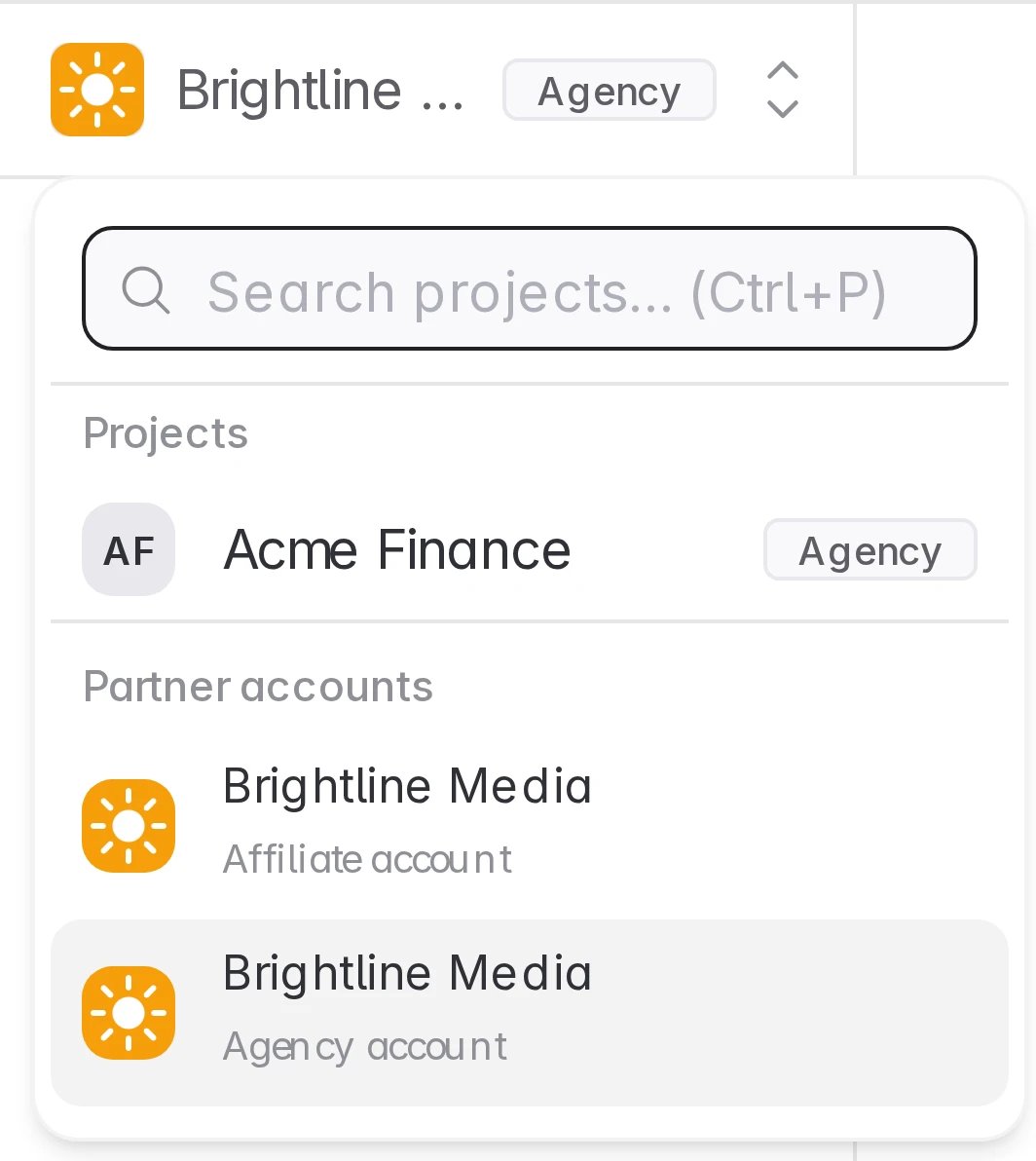
Open the project picker at the top of the sidebar. Partner accounts lists both workspaces. While the affiliate application is under review, it shows In review.