

Agency details
Click Edit to change your logo, agency name, description, website, or contact email, then Save.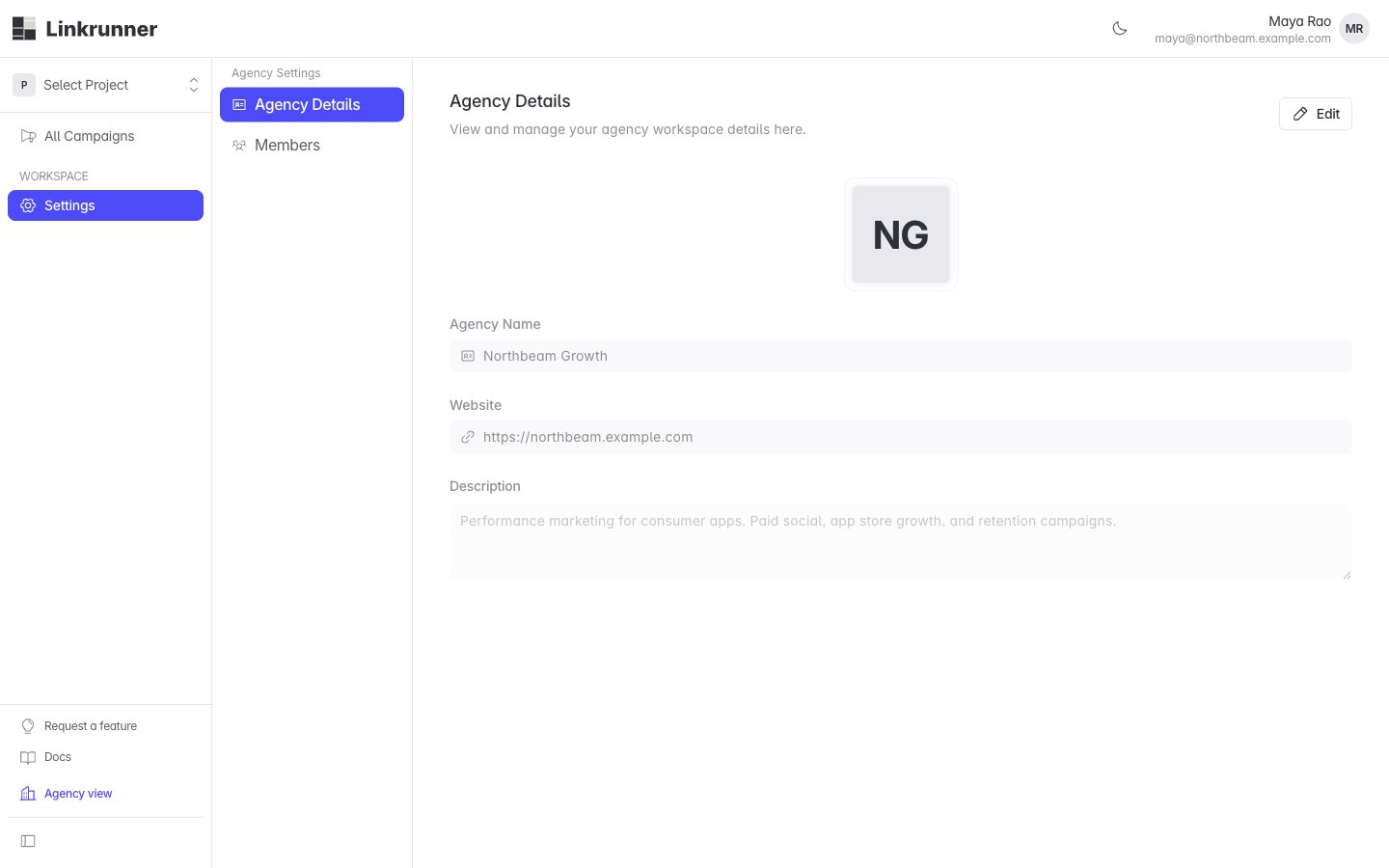
Customers see your logo, name, and description in the agency directory when they choose who to engage. Keep the description current, because it is what a customer reads before inviting you.
Your team
Open the Members tab to see everyone in your agency workspace.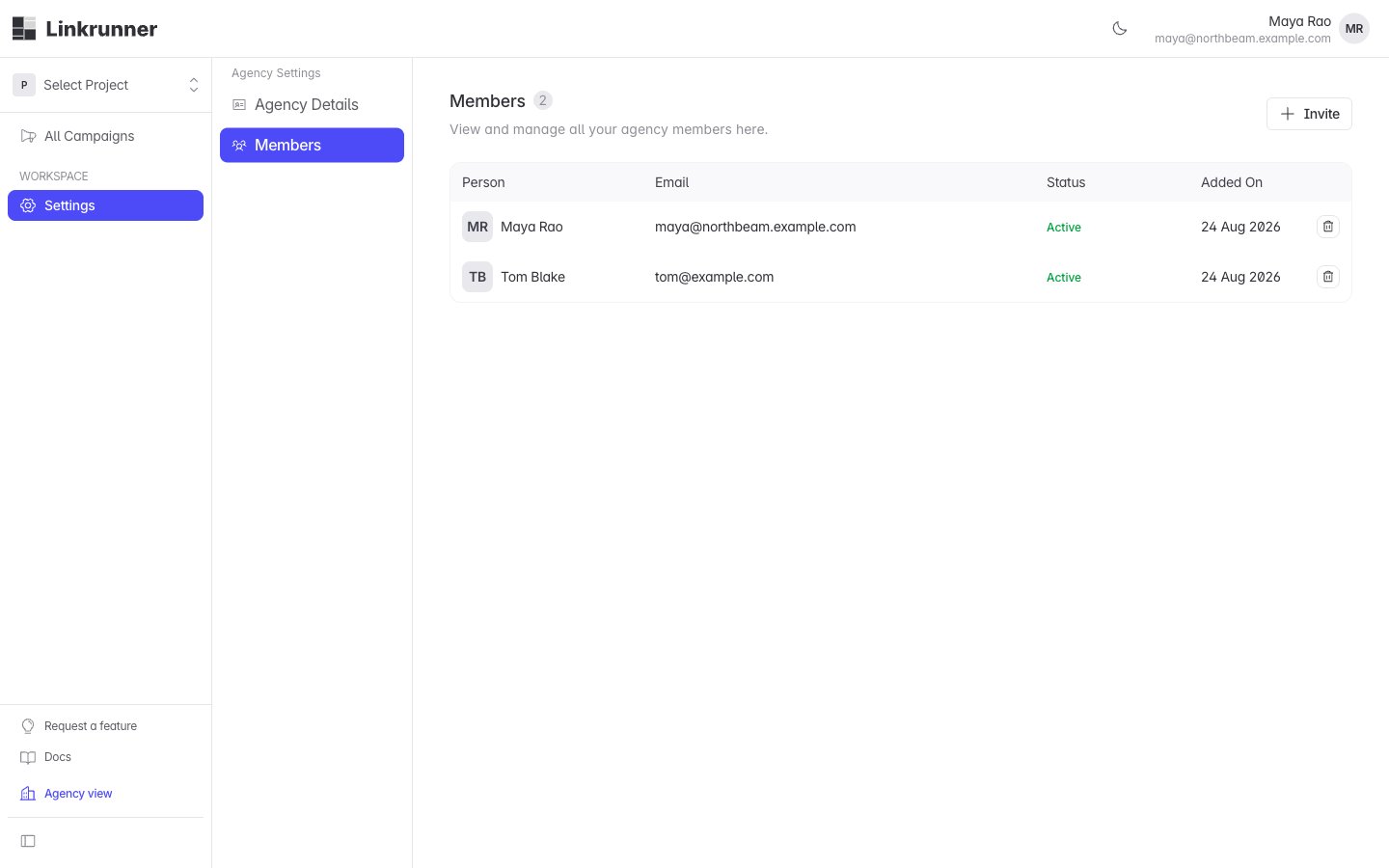
1
Invite a teammate
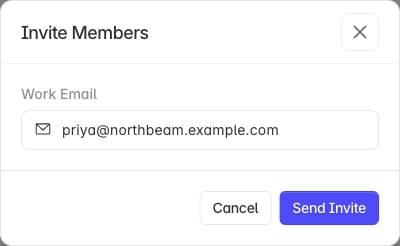
Click Invite, enter their Work Email, then click Send Invite.
2
They accept
They get an invitation link and sign in with that address. Their row moves from Invited to Active.
3
Resend or remove
An invitation that was never accepted has a Resend action, which sends a fresh link. An active member can be removed.
Working across customers
Each customer that engages you appears in your project picker. Switch between them there, and the campaigns, installs, and events on screen follow the customer you have selected. You only see the campaigns your agency created. A customer’s own campaigns, and those of their other partners, are not in your workspace.When an engagement ends
A customer can end an engagement from their Settings → Members page. When they do:- The project disappears from your workspace, for everyone at your agency.
- The campaigns you created stay with the customer.
- Your workspace, your team, and your other customers are untouched.